Call us at 205-581-6932
Streaming Device Setup in Birmingham, AL
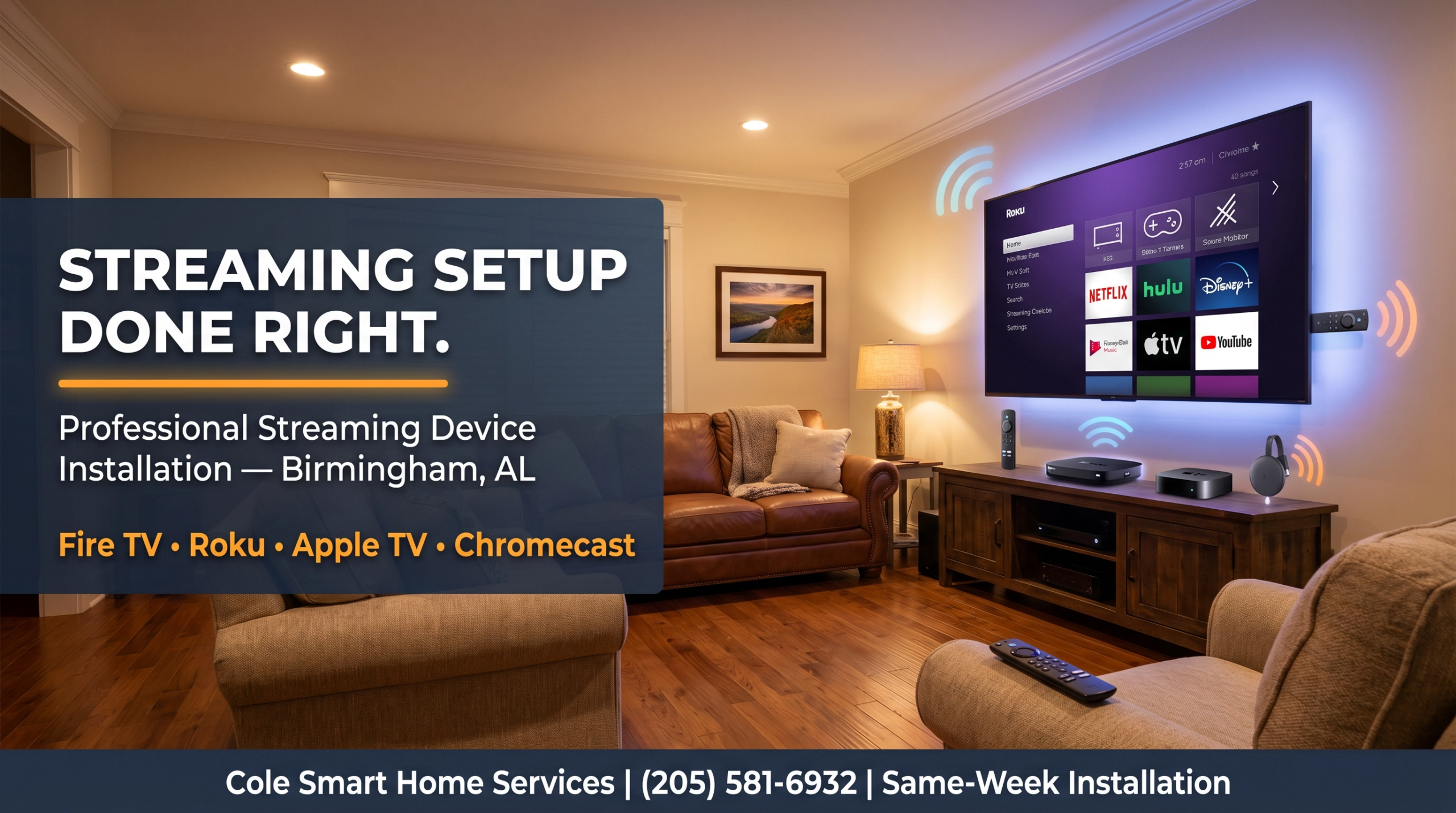
Cole Smart Home Services provides professional streaming device setup throughout Birmingham and surrounding communities. We connect, configure, and fully set up your Fire TV, Roku, Apple TV, or Chromecast — including Wi-Fi connection, account logins, app installation, and remote setup — so you're streaming immediately.
✓ Licensed & Insured
✓ All Major Devices
✓ Same-Week Appointments
✓ Call for Pricing
Call for a free quote: (205) 581-6932
Get a Free QuoteStruggling With Your Streaming Device?
These are the most common frustrations Birmingham homeowners run into with streaming devices — all of which we fix in a single visit:
📦 Still in the Box
You bought a Fire Stick or Roku months ago and it's still sitting in the box because setup looks complicated. We'll have it running in under an hour.
📶 Won't Connect to Wi-Fi
Your streaming device keeps dropping connection or won't connect at all. Usually a Wi-Fi signal or network settings issue we can resolve quickly.
🔑 Forgotten Account Passwords
Can't remember your Netflix, Hulu, or Amazon login. We help you recover accounts and get everything logged in during the setup visit.
📺 Wrong HDMI Input
Your streaming device is plugged in but you can't figure out how to get it to show on the TV. We connect everything correctly and label all inputs.
🔄 Slow or Buffering
Your streaming device is set up but video keeps buffering. Often caused by weak Wi-Fi signal or incorrect network settings — we diagnose and fix it.
📱 Remote Not Working
Your Roku or Fire TV remote isn't pairing or responding. We pair remotes correctly and show you how to use the smartphone app as a backup.
Streaming Devices We Set Up in Birmingham
We set up and configure all major streaming devices. Here's what you need to know about each:
Amazon Fire TV Stick
The most popular streaming device in Birmingham homes. We set up all Fire TV models including the Fire Stick 4K, Fire Stick Lite, and Fire TV Cube. Full Alexa voice control configuration included. We connect it to your Wi-Fi, log into your Amazon account, and install your streaming apps.
Roku
Roku is the simplest streaming platform with the widest channel selection. We set up all Roku models including the Roku Express, Roku Streaming Stick+, and Roku Ultra. We create or log into your Roku account, add your channels, and pair your remote including the headphone jack if applicable.
Apple TV
Apple TV 4K is the premium choice for iPhone and iPad users. We handle the full setup including Apple ID login, iCloud configuration, AirPlay setup, and Siri remote pairing. We also configure HomeKit if you use Apple smart home devices.
Google Chromecast
Chromecast with Google TV is a great option for Android users and Google Home households. We connect it to your Wi-Fi, set up your Google account, configure the Google TV home screen, and show you how to cast from your phone, tablet, or laptop.
Smart TV Built-In Apps
Most modern Samsung, LG, Sony, TCL, and Hisense TVs have built-in streaming apps. We set up your smart TV's built-in platform — connecting to Wi-Fi, logging into streaming services, and configuring the home screen so your favorite apps are easy to find.
Gaming Consoles
PlayStation and Xbox consoles are also excellent streaming devices. We configure the streaming apps on your console, set up parental controls if needed, and optimize the display settings for the best streaming picture quality on your TV.
What's Included in Every Streaming Device Setup
Every streaming device setup by Cole Smart Home Services includes the following — no hidden fees, no surprises:
✓
Physical Connection
Device connected to the correct HDMI port on your TV with proper input configuration so it shows up immediately.
✓
Wi-Fi Connection
Connected to your home Wi-Fi network with signal strength verified for reliable streaming performance.
✓
Software Updates
All pending software and firmware updates installed so your device runs on the latest version from day one.
✓
Account Login
Your streaming account (Amazon, Roku, Apple ID, Google) logged in and configured on the device.
✓
Streaming App Setup
Netflix, Hulu, Disney+, Prime Video, and any other streaming services installed and logged in.
✓
Remote Pairing
Remote paired and tested. We also show you how to use the smartphone app as a backup remote.
✓
Voice Assistant Setup
Alexa, Google Assistant, or Siri configured for voice control of your streaming device where applicable.
✓
Hands-On Walkthrough
We walk you through how to navigate your device, switch between apps, and troubleshoot common issues before we leave.
Why Professional Streaming Setup Makes a Difference
Most streaming devices claim to be plug-and-play — and for tech-savvy users they often are. But for many Birmingham homeowners, the setup process involves multiple accounts, forgotten passwords, confusing TV input settings, and Wi-Fi troubleshooting that turns a simple task into a frustrating afternoon.
A professional streaming device setup visit from Cole Smart Home Services typically takes 30–60 minutes and leaves you with everything working perfectly. We handle the accounts, the connections, the app logins, and the remote setup — and we don't leave until you're comfortable using everything.
We also check your Wi-Fi signal at the TV location during every setup visit. Weak Wi-Fi is the most common cause of buffering and dropped connections — if your signal isn't strong enough we'll recommend the right solution to fix it.
- ⏱️ Save hours of frustration — done right in one visit
- 🔑 Account recovery help — forgotten passwords sorted out
- 📶 Wi-Fi signal check — no more buffering
- 📱 All apps logged in — ready to watch immediately
- 🎤 Voice control configured — Alexa, Google, or Siri
- ✅ Full walkthrough — confident using your device
Streaming Device Setup FAQs
How much does streaming device setup cost in Birmingham, AL?
Streaming device setup pricing depends on the device type and number of devices. Call us at (205) 581-6932 for a free upfront quote based on your specific situation.
Can you set up multiple streaming devices in one visit?
Yes — we can set up multiple streaming devices in a single visit. Many Birmingham homeowners have us set up devices on multiple TVs throughout the house at the same time.
Do I need to buy the streaming device before you come out?
Yes — have your device out of the box and ready when we arrive. If you're not sure which device to buy call us first and we'll recommend the best option for your TV and streaming preferences.
What if I can't remember my streaming account passwords?
No problem — we help with account recovery during the setup visit. Have access to the email address associated with your accounts and we'll walk you through the password reset process.
My streaming device keeps buffering — can you fix it?
Yes — buffering is almost always caused by weak Wi-Fi signal at the TV location. We check signal strength during every setup visit and recommend the right fix. If you need better Wi-Fi coverage we also offer whole-home mesh Wi-Fi installation.
Do you also mount TVs and set up streaming devices together?
Yes — TV mounting and streaming device setup is one of our most popular combinations. We mount your TV, connect all devices, and get everything streaming in a single visit. Visit our Professional TV Mounting page for details.
Related Services
Pair your streaming device setup with these popular services for a complete entertainment experience.
Professional TV Mounting
Get your TV mounted and streaming device set up in one visit.
TV Set Up & Configuration
Full TV setup including picture settings, sound bar, and cable box.
OTA Antenna Installation
Add free local channels alongside your streaming service.
Whole-Home Wi-Fi
Strong Wi-Fi keeps your streaming devices running without buffering.
Ready for Professional Streaming Device Setup in Birmingham?
Same-week appointments available throughout Birmingham, Hoover, Vestavia Hills, Trussville, and surrounding areas. Call now or request a free quote online.
Get a Free Quote Today